


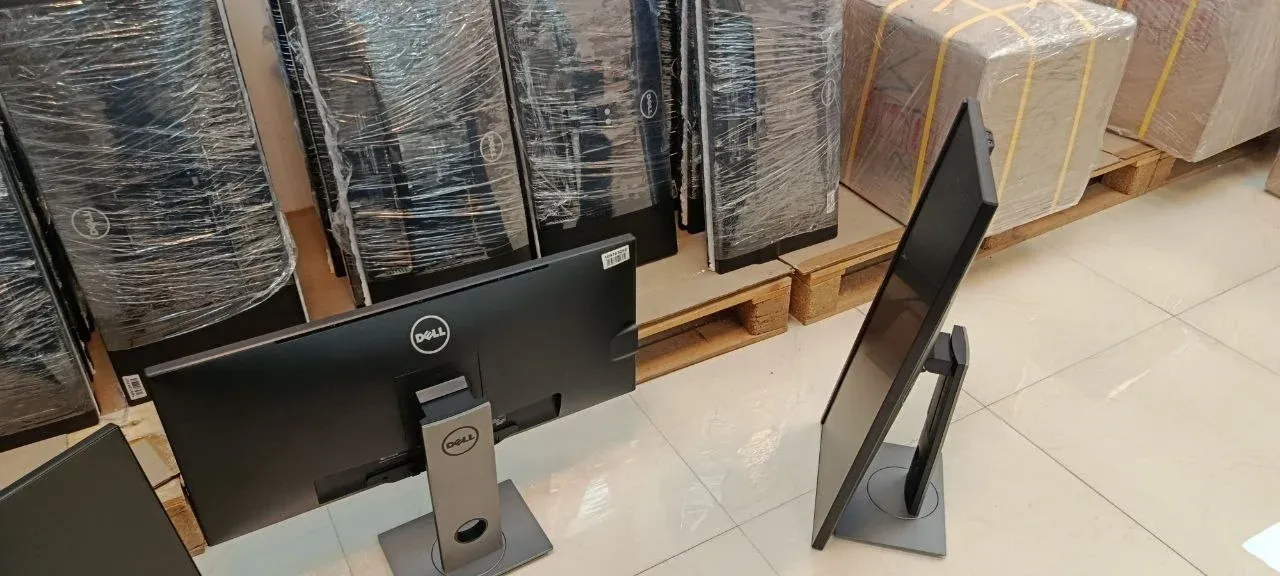
Buying used monitors in bulk means buying ex-corporate business displays — Dell P and UltraSharp, HP EliteDisplay, Lenovo ThinkVision — by the carton instead of by the piece. At UAEPC in Sharjah the minimum order is 50 monitors, with sizes and brands mixable; every unit is Grade A+, tested, on its original stand, with a 60-day warranty. On the 11 November 2026 price list the wholesale price runs from 145 to 175 AED per monitor.
The short answer
If you resell to offices, build the order around 24-inch Full HD IPS monitors on height-adjustable stands. It is the size an office desk already uses, so it is the size that leaves your shelf first. Add 22 and 23-inch units for counters and tight desks, and take 27-inch only when a customer has asked for it. Before you pay, get four things in writing: the grade, the dead-pixel rule, the ports on each model, and whether the stand ships with the panel. Then count cartons: monitors are the bulkiest item in an order, and freight follows volume.
Where bulk used monitors come from
Large companies buy their monitors with their desktops and replace both in the same refresh. The displays that come out are business models: built to run eight hours a day, on a height-adjustable stand, with a matte anti-glare panel and a standard VESA mount on the back. They reach wholesale warehouses on pallets, are tested and graded there, and are sold on to resellers by the carton.
Three families make up most of this trade: Dell (the P, E and UltraSharp U series), HP (EliteDisplay E and the Z series) and Lenovo ThinkVision (T and P series). These are the brands a corporate buyer accepts without explanation, which is what a reseller needs from a product: it should sell without a conversation about who made it.
Which sizes to buy for resale
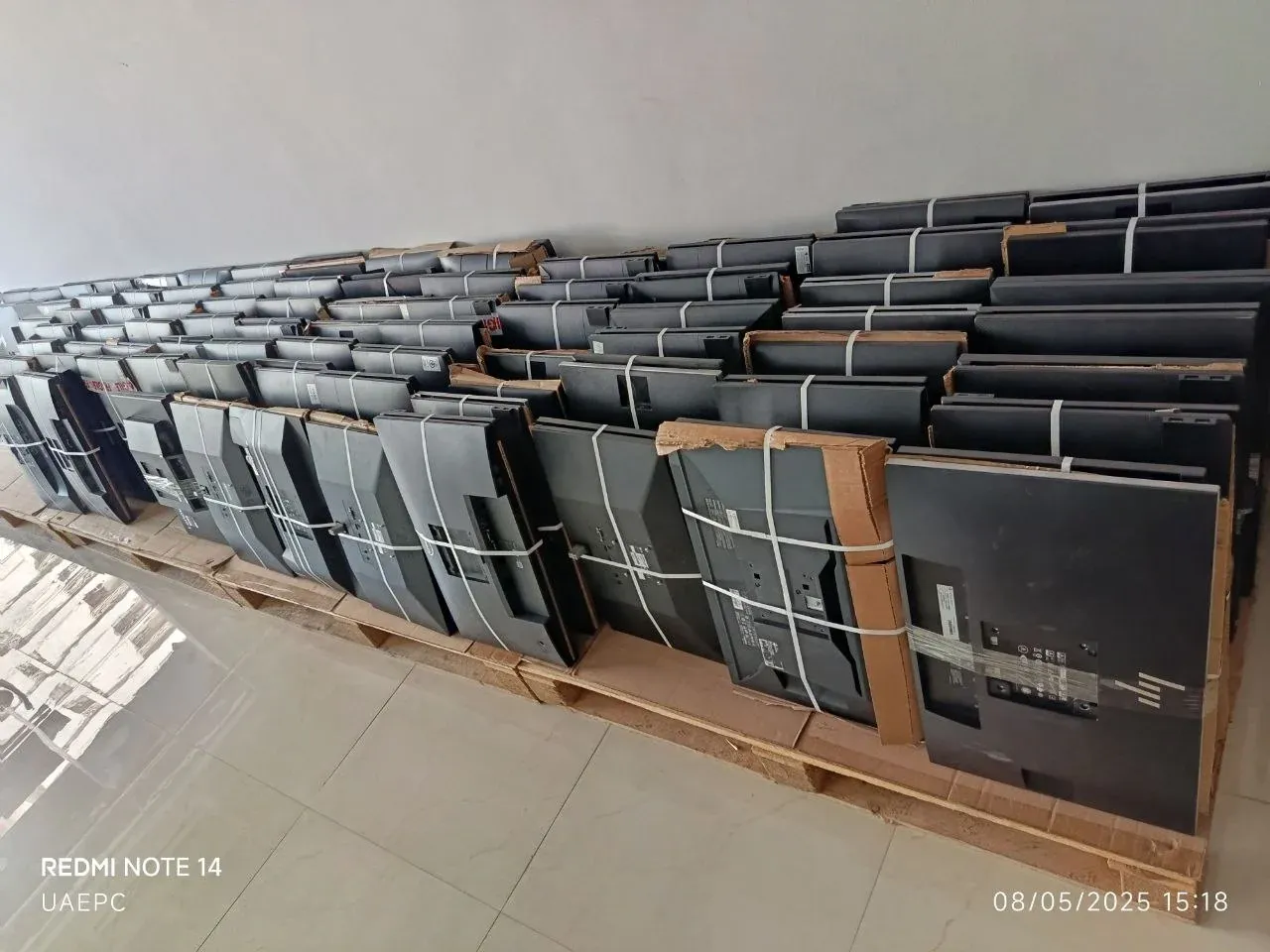
Size decides who your customer is. This is how the sizes divide in the used business market:
| Size | Usual resolution | Who buys it | Note for a reseller |
|---|---|---|---|
| 19 to 20 inch | 1440×900 or 1600×900 | Point of sale, CCTV rooms, kiosks | The lowest price, a narrow market — buy against an order |
| 21.5 to 22 inch | Full HD 1920×1080 | Counters, reception desks, schools | A steady seller where desks are small |
| 23 to 24 inch | Full HD 1920×1080; some 24-inch models are 1920×1200 | General offices, call centres, training rooms | The volume size — build the order around it |
| 27 inch | Full HD, QHD 2560×1440 or 4K 3840×2160 | Design, development, managers' desks | Read the resolution: a 27-inch Full HD and a 27-inch QHD are different products at different prices |
| 29 to 34 inch ultrawide | 2560×1080 or 3440×1440 | Trading desks, video editing | Low volume, high value — source to order |
The diagonal is only half of the description. Two monitors of the same size can differ in resolution, panel type and ports, and each of those changes the price. A proforma line that says only "24-inch monitor" is not a specification; ask for the model number on every line.
IPS, VA or TN: which panel to buy
| Panel | Strength | Weakness | Sell it for |
|---|---|---|---|
| IPS | Wide viewing angles, accurate colour | Lower contrast than VA | Offices, design work, any screen two people look at |
| VA | The deepest blacks and highest contrast | Colour shifts a little off-centre | Dashboards, media, darker rooms |
| TN | The lowest cost | Narrow viewing angles, flatter colour | Tills, CCTV, budget tenders |
IPS is what office buyers now expect, and it is the safe choice for a mixed shelf. TN is mostly found on older 19 to 22-inch models; it still sells, but only on price. Whatever the panel, buy LED-backlit monitors only. The older CCFL-lit models — thicker, and warm to the touch after an hour — dim and yellow with age and are not worth the freight.
Ports and power: the detail that decides returns
| Port | Where you find it | What it connects to | Note |
|---|---|---|---|
| DisplayPort | Most business monitors | Business desktops and laptop docks | The standard output on Dell OptiPlex, HP EliteDesk and Lenovo ThinkCentre |
| HDMI | Newer business models and consumer models | Laptops, mini PCs, consumer PCs | The port a walk-in customer asks for first |
| VGA | Older and entry-level business models | Older desktops | Analogue; acceptable at Full HD, soft above it |
| DVI | Older business models | Desktops with a DVI output | Being phased out |
| USB-C | Recent premium models | Modern laptops — video and charging on one cable | Raises the price; confirm the charging wattage |
Many ex-corporate monitors carry DisplayPort and VGA but no HDMI, because the desktops they were bought with did not need it. That is no problem when your customer runs business desktops. It is a problem when they plug in consumer laptops. Ask for the port list of each model before you order, and decide then whether DisplayPort-to-HDMI cables should travel in the same shipment.
Power is the other half. Most business monitors have the power supply built in and take a standard C13 mains lead; some slim models use an external adapter. Ask which, and ask whether the adapter is included — a missing adapter is a cost on every unit.
Grades and the dead-pixel question
No international standard stands behind the letters A, B and C; every seller defines them. On a monitor, a grade has to answer three questions: how the casing and stand look, how the panel looks when it is lit (marks on the coating, pressure spots, uneven backlight), and how many dead or stuck pixels are allowed. A dead pixel stays black. A stuck pixel stays lit in one colour. Panel makers sort these faults into classes under ISO 9241-307, and a wholesale seller should be able to state its own limit in one sentence.
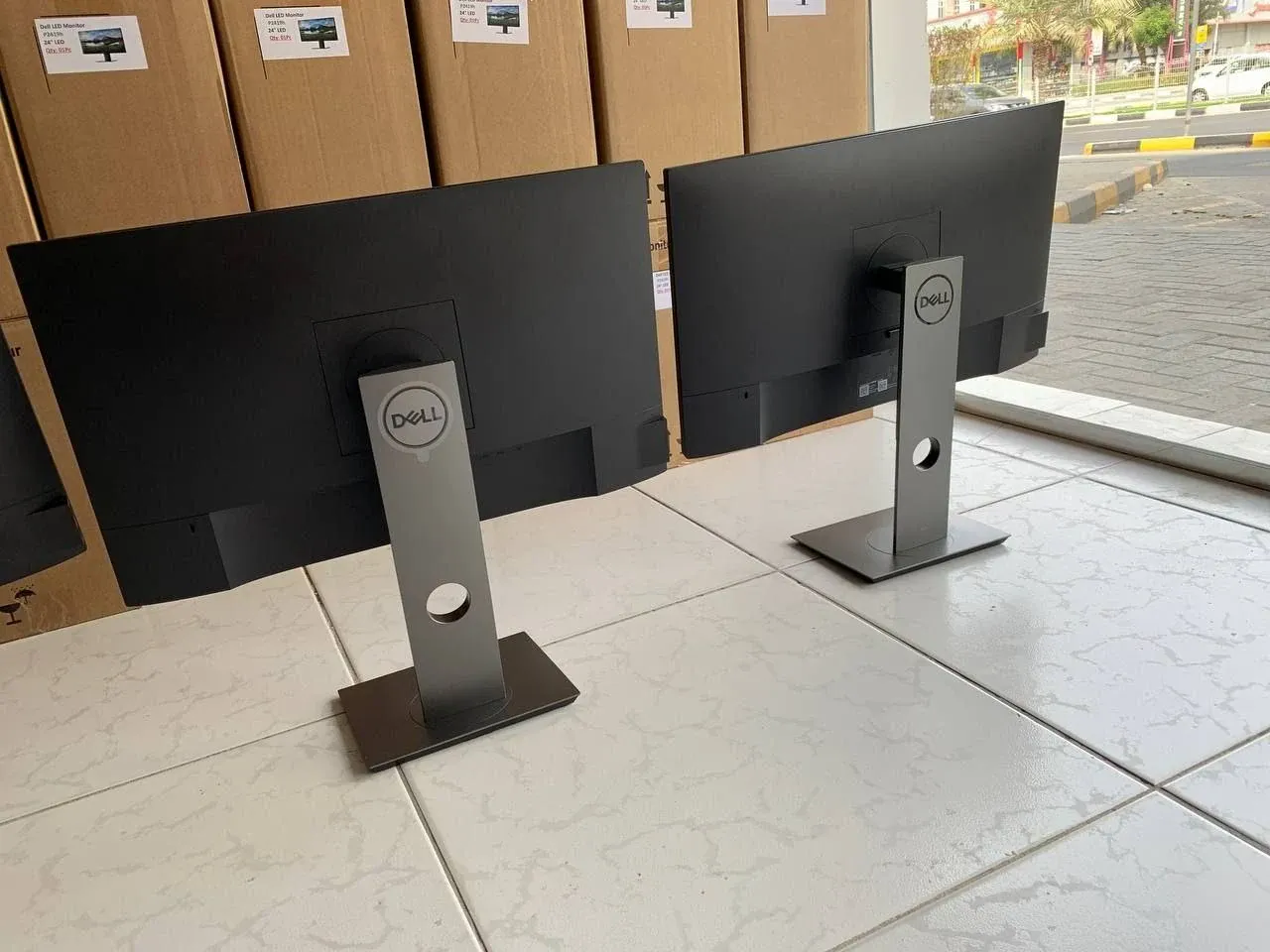
UAEPC sells one grade, A+. Every monitor is powered on and checked for dead and stuck pixels, backlight uniformity, brightness, panel marks and every port before it is listed. The whole order is the same grade, and the grade — with any pixel limit — is confirmed before the proforma is issued. We do not sell Grade B, Grade C or repair units. The definition is on the grade standard page, and the grading guide explains what the lower grades mean elsewhere in the market.
Wholesale used monitor prices on the 11 November 2026 list
Prices are per unit in UAE dirhams; the dollar figure is approximate. These are trade prices for an order of 50 monitors or more.
| Line | Size | Grade and stand | Wholesale (AED) | ≈ USD |
|---|---|---|---|---|
| Dell / HP 24" Frameless | 24" | A+, original Dell or HP stand | 175 | 48 |
| Lenovo T23D-10 23" Frameless | 23" | A+, original Lenovo stand | 175 | 48 |
| Lenovo Tiny-in-One 22" Frameless | 22" | A+, stand with a bay for a ThinkCentre Tiny | 145 | 40 |
The Tiny-in-One is a special case: its stand has a bay that holds a Lenovo ThinkCentre Tiny desktop, so the pair sits on the desk like an all-in-one. It is bought alongside Tiny desktops, and it also works as an ordinary 22-inch monitor. The other two lines are standard monitors that connect to any desktop or laptop.
The list is updated every working day, so read these as the 11 November figures and take today's from the updated price list or the monitors page. Sizes and models that are not on the list on a given day — 27-inch, QHD, ultrawide — are sourced to order: send the specification and the quantity through the enquiry form.
See today's trade price for every monitor line
The price list is updated every working day. For a bulk order, ask for a proforma or message us on WhatsApp.
How a 50-unit order is built
The minimum order is 50 monitors. Sizes, brands and models can be mixed to reach it. Monitors are counted on their own: desktops or laptops in the same order do not count towards the 50, and they have their own minimums (50 for desktops, 10 for laptops). At 175 AED, fifty 24-inch monitors come to 8,750 AED before packing and freight.
Office reseller
Fifty 24-inch Dell or HP monitors. One size and one look along a row of desks — the simplest lot to resell.
Mixed shelf
Thirty 24-inch for offices plus twenty 22 or 23-inch for counters and tight desks. One order, two kinds of customer.
Lenovo Tiny dealer
Tiny-in-One monitors in equal numbers with ThinkCentre Tiny desktops, so every desk gets one complete set. The desktops are a separate line with their own minimum of 50.
Fit-out contractor
Monitors with matching desktops in one shipment: Dell with OptiPlex, HP with EliteDesk. The desktop and mini PC guide covers the other half of the order.
Packing, cartons and freight
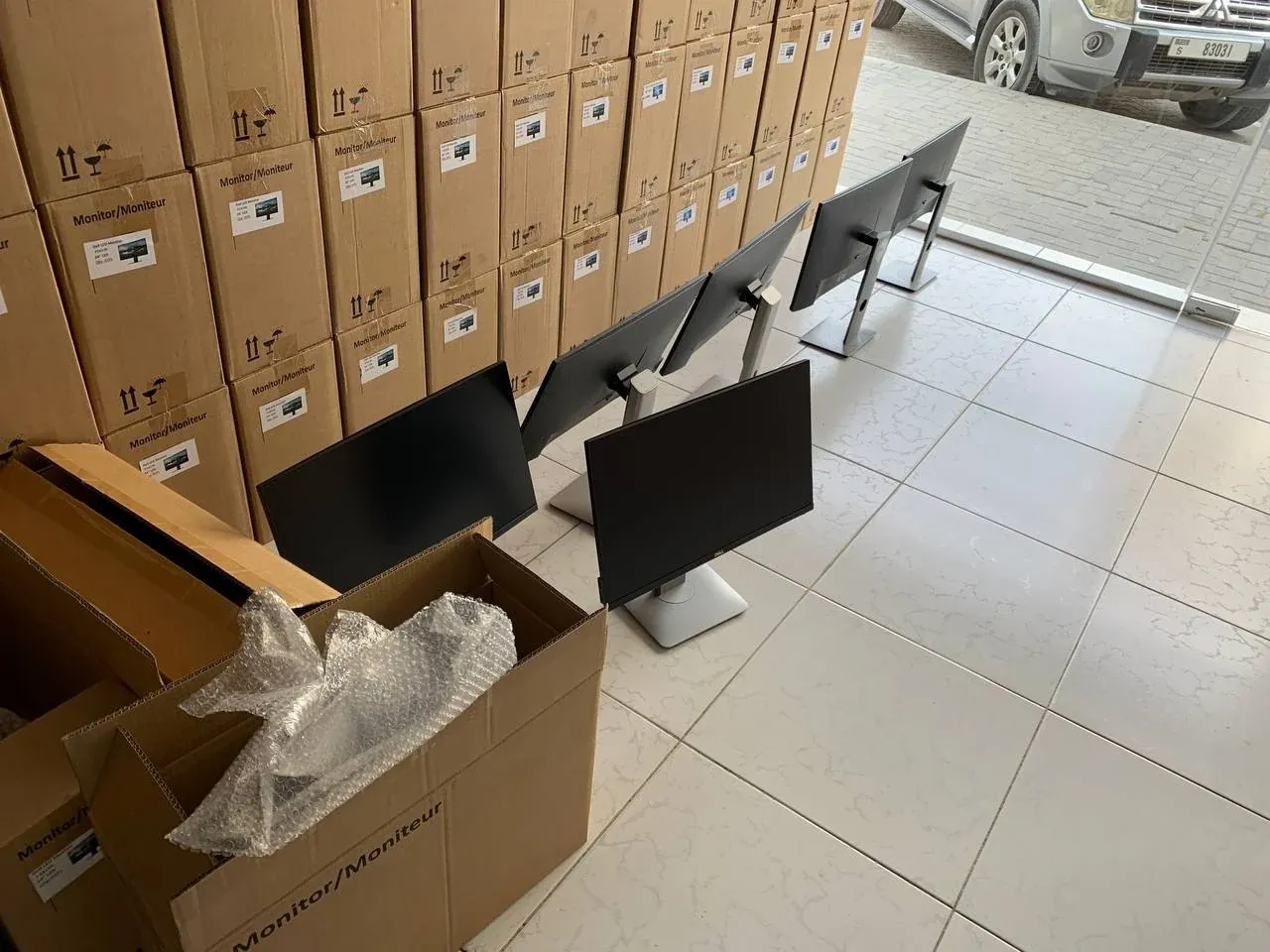
Monitors are the most fragile item in a mixed order and the one that takes the most space. At UAEPC the panels are cushioned and packed ten to an export carton, and the stands travel in their own cartons, twenty to a carton. A 50-unit order is therefore five panel cartons and three stand cartons. The cart shows the packing cost before you confirm the order.
An order is either collected at the warehouse in Sharjah or shipped by air, sea or land; UAEPC ships to 13 countries, and export orders leave with a proforma invoice and a packing list — see shipping terms and the export routes. Damage in transit is a cargo-insurance matter, not a warranty one, so photograph every carton before you open it.
What to check when the cartons arrive
- Count and photograph. Count the cartons against the packing list and photograph any crushed corner before opening it.
- Match the labels. The model label on the back of each panel should match the proforma line: model, size, quantity.
- Count the stands. One stand per panel, and the right stand for the model — a Dell stand does not fit an HP panel.
- Power on. On a first order, power on every unit. On repeat orders, at least a few from every carton.
- Look for pixels. Show a full white, black, red, green and blue screen in turn. A dead pixel shows on white; a stuck one shows on black.
- Look at the backlight. On a black screen in a dim room, look for bright patches at the edges; on white, look for yellowing or dark corners.
- Try every port. Use the cable your own customers will use, not only the one that happens to be on the bench.
- Work the stand and the menu. Height and tilt should hold where you leave them, and the buttons should open the on-screen menu; reset each unit to factory settings.
Anything this check finds is handled under the 60-day warranty. The clock starts at handover in Sharjah, or at arrival when the order is shipped; what is covered and how to report a fault is in the 60-day warranty guide.
Five mistakes that cost more than the discount
- Buying by the diagonal alone. "27-inch" can mean Full HD, QHD or 4K. Buy by model number.
- Ignoring the ports. A carton of DisplayPort-only monitors sold to laptop users comes back.
- Forgetting the stand. A panel-only lot is cheaper for a reason. Confirm that the original stand is in the price.
- Accepting a mixed grade. One scratched panel in ten sets the price your customer will pay for the other nine. Ask for one grade across the order.
- Counting units instead of cartons. Freight follows volume. Know the carton count before you compare two offers.
Why UAEPC
UAEPC is a licensed UAE trading company that buys, tests and holds its own goods in its Sharjah warehouse. We are a wholesale supplier to resellers, dealers and importers: Grade A+ only, a 60-day warranty on every order, and trade prices that are updated every working day. Licences and the tax registration number are on the verify page. Monitors packed for fast dispatch are listed under ready-to-ship monitors.
Frequently asked questions
Where can I buy used monitors in bulk?
From a wholesaler that holds the monitors in its own warehouse and puts the grade on the proforma. UAEPC sells used and refurbished business monitors from Dell, HP and Lenovo wholesale from its warehouse in Sharjah, UAE, with a minimum order of 50 units, and ships to 13 countries.
What is the minimum order for wholesale monitors?
The minimum order at UAEPC is 50 monitors. Sizes, brands and models can be mixed to reach it. Monitors are counted separately from desktops and laptops, which have their own minimums.
How much do used monitors cost at wholesale?
On UAEPC's 11 November 2026 price list, a 24-inch Dell or HP frameless monitor is 175 AED, a 23-inch Lenovo T23D-10 is 175 AED and a 22-inch Lenovo Tiny-in-One is 145 AED per unit, Grade A+ with the original stand. The list is updated every working day.
Which monitor size should a reseller buy for offices?
24-inch Full HD is the standard office size, so most of a resale order should be 24-inch. 22 and 23-inch monitors suit counters and tight desks, and 27-inch is usually bought against a specific request.
IPS or VA: which panel should I buy in bulk?
IPS for offices and mixed resale, because of its wide viewing angles and accurate colour. VA has higher contrast and suits dashboards and darker rooms. TN is the cheapest and is mostly found on older 19 to 22-inch models.
Do bulk monitors come with stands?
At UAEPC every monitor ships with its own brand's original stand. The stands are packed in separate cartons, twenty to a carton, and the panels ten to a carton. If you need a particular cable type, state it when you order so that it is written on the proforma.
Are refurbished monitors reliable enough to resell?
Business monitors are built for all-day office use. Each UAEPC unit is powered on and checked for dead and stuck pixels, backlight uniformity, panel marks and every port before it is graded, and every order carries a 60-day warranty.
Can I mix monitor sizes and brands in one order?
Yes. Any mix of sizes, brands and models counts towards the 50-unit minimum, for example thirty 24-inch and twenty 22-inch monitors.

Related articles
Related articles
Before you pay any UAE supplier — ours included — run the four public licence checks. Our numbers are published for exactly that: verify UAEPC (licences & TRN).