



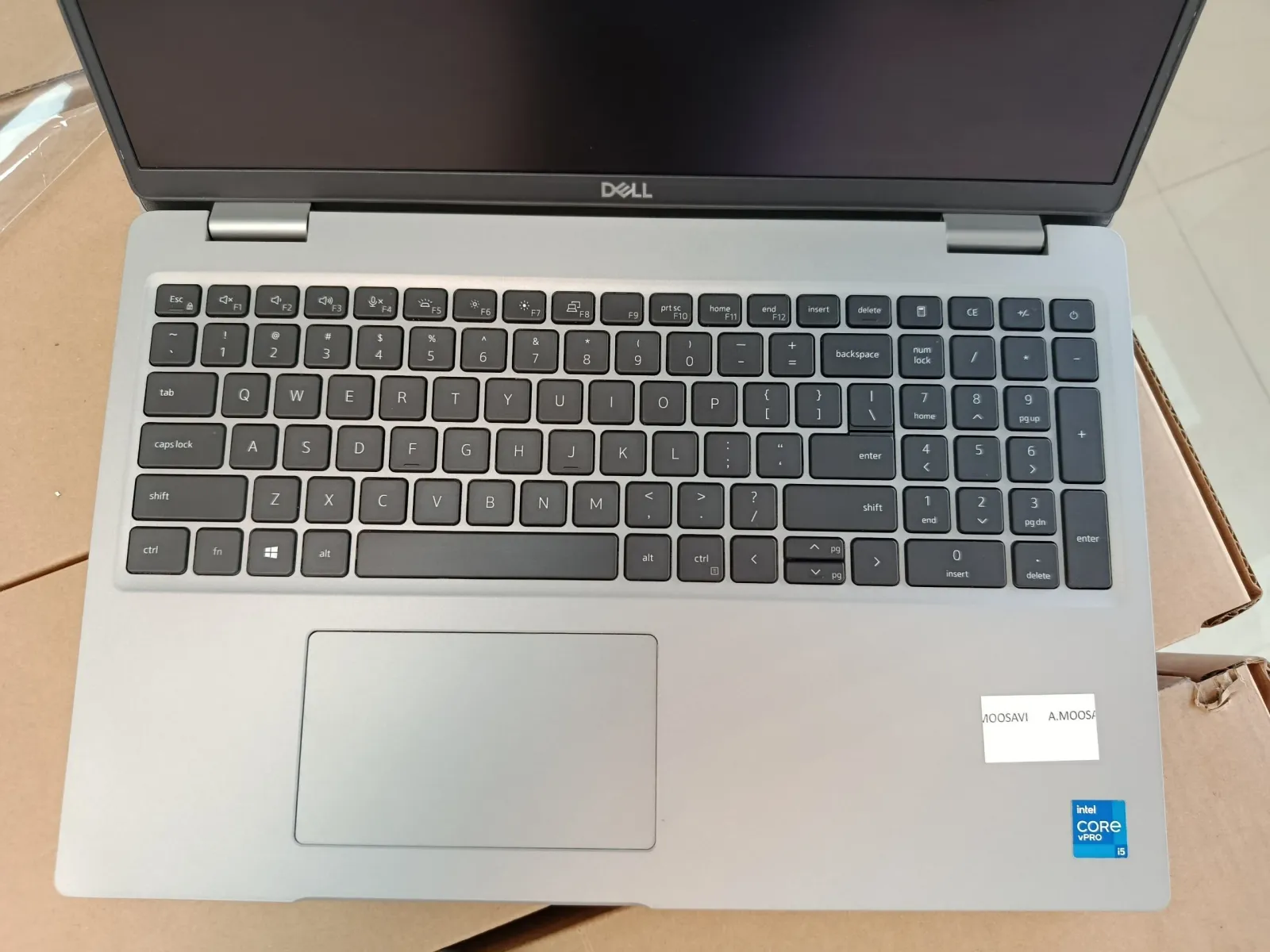
Your laptop's generation is hidden in its processor's model number. In an Intel Core i5-8350U, the 8 straight after the dash means 8th generation; in a Core i5-1145G7, the first two digits, 11, mean 11th. To see the number on Windows, open Settings › System › About. On a Mac, open the Apple menu › About This Mac.
How do I check my laptop generation on Windows 11 or 10?
Any one of these four ways gives you the full processor name. Pick whichever is quickest for you; they all read the same information.
- Settings. Open Settings › System › About and look at Processor under Device specifications. The shortcut Windows key + Pause/Break opens the same screen.
- System Information. Press Windows key + R, type
msinfo32and press Enter. The Processor line in System Summary shows the full name and speed. - Task Manager. Press Ctrl + Shift + Esc, open the Performance tab and click CPU. The processor name sits at the top right of the graph.
- PowerShell. Right-click Start, open Terminal or PowerShell, and run
Get-CimInstance Win32_Processor | Select-Object Name. Useful when you are checking many machines, because you can paste the result straight into a spreadsheet.
What you will see looks like Intel(R) Core(TM) i5-8350U CPU @ 1.70GHz or AMD Ryzen 5 PRO 4650U with Radeon Graphics. From the 11th generation on, Intel spells it out for you: 11th Gen Intel(R) Core(TM) i5-1145G7 @ 2.60GHz.
If Windows will not start, the BIOS setup screen shows the processor too. Press the setup key as the laptop powers on — F2 on most Dell laptops, F10 on HP, F1 on most ThinkPads — and look on the main or system information page.
How do I check the generation on a Mac?
Open the Apple menu (top left) › About This Mac. What you see depends on the processor inside:
- Apple silicon shows a line called Chip, for example Apple M2. The M number is the generation: M1 arrived in late 2020, M2 in 2022, M3 in late 2023 and M4 in 2024. Pro, Max and Ultra are bigger versions of the same generation, not a newer one — an M1 Max is still first generation.
- Intel Macs show a line called Processor, such as 2.3 GHz Quad-Core Intel Core i5, without the model number. To get it, open Terminal and run
sysctl -n machdep.cpu.brand_string. It prints the full name — for exampleIntel(R) Core(TM) i5-8259U CPU @ 2.30GHz— and you read it exactly like a Windows laptop: 8th generation.
How can I find the generation without turning the laptop on?
Useful when the laptop is in a carton, has no charger, or will not boot. Three places to look:
- The sticker on the palm rest. Newer Intel stickers often print the generation ("8th Gen", "11th Gen"); older ones only say Core i5 or Core i7. On a refurbished business laptop, treat the sticker as a hint, not proof: it may have been removed during cosmetic work, or it may not match the chip inside.
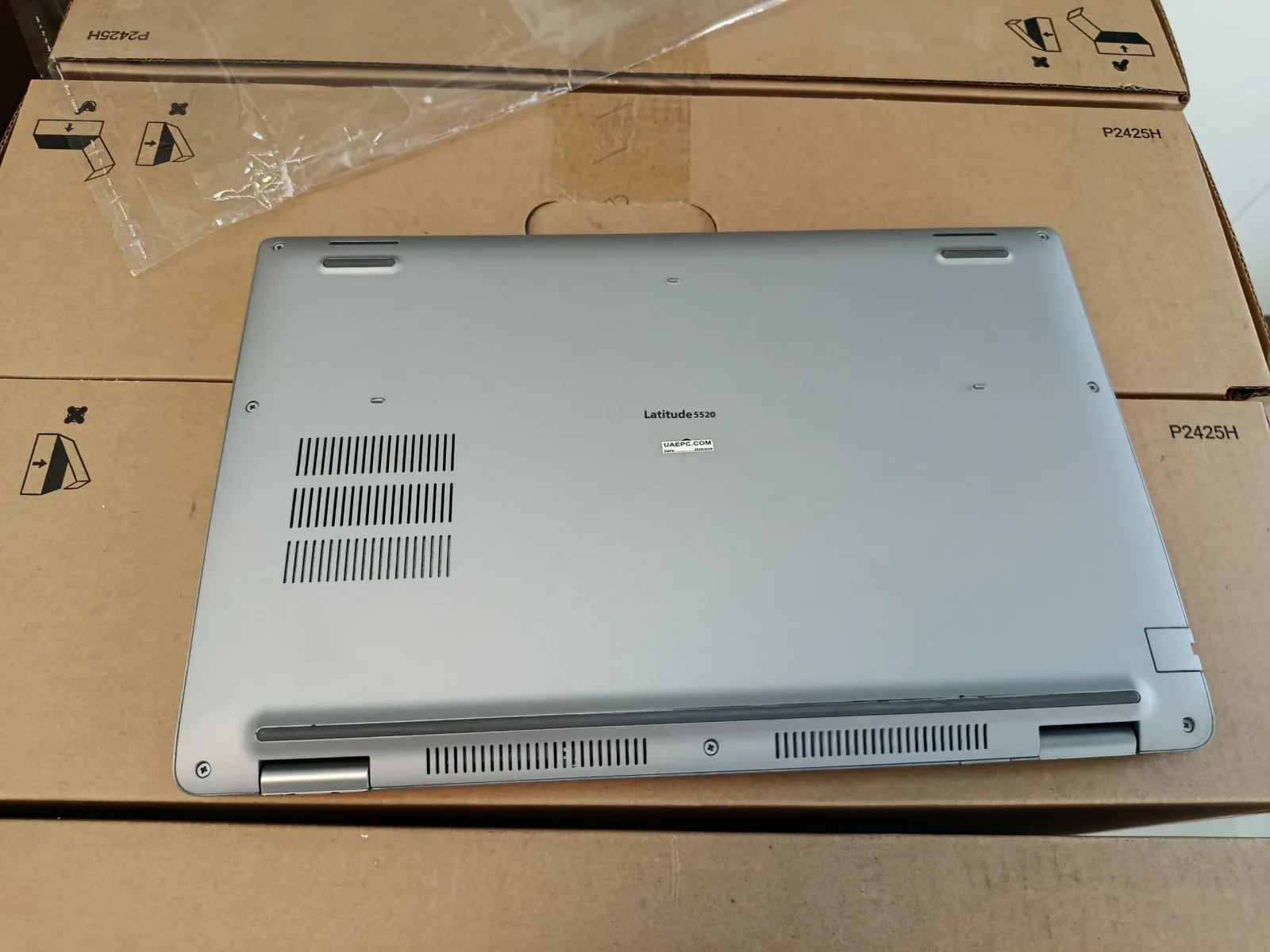
- The model name on the base. Business models usually belong to one generation, so the name alone narrows it down: a Dell Latitude 5520 is 11th gen. Be careful with models that shipped with two generations — the HP EliteBook 840 G5, for example, came with either 7th or 8th-gen chips.
- The serial number on the maker's support site. The label underneath carries a Dell Service Tag, an HP serial number or a Lenovo serial number. Enter it on the maker's support website and you get the factory configuration, processor included. For Lenovo, the PSREF site lists every processor option for each ThinkPad model.
How do I read an Intel model number?
Take Intel Core i5-8350U. "Core" is the brand. "i5" is the tier — i3, i5, i7 or i9 — which tells you how strong the chip is within its generation, not how new it is. The generation sits at the start of the number after the dash:
- Three digits (Core i5-520M): 1st generation, from 2010.
- Four digits starting with 2 to 9 (i5-2520M, i5-8350U, i7-9750H): the first digit is the generation.
- Starting with 10, 11, 12, 13 or 14 (i5-10310U, i5-1145G7, i5-1245U, i7-14700HX): the first two digits are the generation, whether the number has four digits or five.
This is the trap people fall into: an i5-1145G7 looks like "1st gen" at a glance, but it is 11th. A real 1st-gen chip always has three digits.
The letters at the end tell you what kind of chip it is:
| Letters at the end | What they mean | Example |
|---|---|---|
| U | Low-power chip for thin and business laptops | Core i5-8350U |
| H | Higher performance, usually in larger laptops | Core i7-9750H |
| HX | The fastest laptop chips, in big performance laptops | Core i7-14700HX |
| P | Between U and H (12th and 13th gen) | Core i5-1240P |
| G1 – G7 | 10th-gen Ice Lake and 11th-gen Tiger Lake; the number is the graphics level, G7 the strongest | Core i5-1135G7 |
| V | Core Ultra Series 2 (Lunar Lake), memory built into the chip | Core Ultra 7 258V |
| M | Older mobile chips, mostly 2nd to 4th gen | Core i5-3320M |
Core Ultra. From December 2023 Intel dropped the "i" and the generation number from its newer laptop chips. In a Core Ultra 7 155H the first digit of the number, 1, means Series 1 (Meteor Lake); in a Core Ultra 7 258V it is 2, Series 2. Some 2024 business laptops carry a plain Core 5 or Core 7 without "Ultra", such as the Core 7 150U — that is a refresh of the 13th-gen design, not a Core Ultra chip.
Which year is each Intel generation from?
The year below is when each generation reached laptops. Business fleets usually bought them a year or two later and kept them three to five years, which is roughly when they come onto the used market.
| Generation | Codename | Year in laptops | Example laptop chip |
|---|---|---|---|
| 2nd | Sandy Bridge | 2011 | Core i5-2520M |
| 3rd | Ivy Bridge | 2012 | Core i5-3320M |
| 4th | Haswell | 2013 | Core i5-4300U |
| 5th | Broadwell | 2015 | Core i5-5300U |
| 6th | Skylake | 2015 | Core i5-6300U |
| 7th | Kaby Lake | 2016 | Core i5-7300U |
| 8th | Kaby Lake R, Whiskey Lake, Coffee Lake | 2017 – 2018 | Core i5-8350U |
| 9th | Coffee Lake Refresh (mostly H-series) | 2019 | Core i7-9750H |
| 10th | Comet Lake, Ice Lake | 2019 – 2020 | Core i5-10310U |
| 11th | Tiger Lake | 2020 | Core i5-1145G7 |
| 12th | Alder Lake | 2022 | Core i5-1245U |
| 13th | Raptor Lake | 2023 | Core i5-1345U |
| 14th | Raptor Lake Refresh (HX chips only) | 2024 | Core i7-14700HX |
| Core Ultra Series 1 | Meteor Lake | December 2023 | Core Ultra 7 155H |
| Core Ultra Series 2 | Lunar Lake, Arrow Lake | 2024 – 2025 | Core Ultra 7 258V |
Series 2 arrived in two steps: Lunar Lake laptops in late 2024, Arrow Lake laptops in early 2025.
Buying laptops by the carton?
Every laptop line on our updated price list names its processor generation. Minimum order 10 per product type, laptop models mixed.
How do I read an AMD Ryzen model number?
Take AMD Ryzen 5 PRO 4650U. Ryzen 3, 5, 7 or 9 is the tier. PRO marks the business version, with extra security and remote-management features. The first digit of the number is the series: 4650U is the 4000 series, from 2020. The 5000 series followed in 2021 and the 6000 series in 2022. As with Intel, U means a low-power chip and H or HS a faster one.
The 7000 series is the exception. From 2023 AMD put chips of different designs under the same first digit, so "7000" alone tells you little: a Ryzen 5 7530U is built on the older Zen 3 design, while a Ryzen 5 7540U is the newer Zen 4. The third digit tells them apart — 2 for Zen 2, 3 for Zen 3, 4 for Zen 4. For any 7000-series laptop, ask for the full model number. The newest AMD laptops use another naming again, such as Ryzen AI 7 PRO 360.
Why does generation matter when you buy laptops in bulk?
For one laptop, the generation is a detail. For a hundred, it is most of the price. Two laptops both sold as "Core i5, 8GB, 256GB SSD" can be four generations apart, and the buyer at the other end will notice.
- Resale value. The first question a reseller's customer asks is the generation. Each newer one sells for more and stays sellable for longer.
- Windows 11. Microsoft's list of supported processors starts Intel at the 8th generation, with only a few exceptions. 7th-gen and older laptops run Windows 10 well, but free Windows 10 support ended on 14 October 2025, so a customer who needs official security updates should start at 8th gen.
- Age of the battery and the drive. The generation roughly dates the machine. An older laptop has had more years of charging and more hours on its drive, so ask for the battery health of each unit and whether the drive is an SSD.
- One image, one set of parts. Laptops of the same model and generation take the same Windows image, chargers and spare parts, which makes a fleet much easier to support.
What to ask the supplier: the exact CPU model of every unit on the proforma and on the packing list — not just "i5". When the cartons arrive, the PowerShell line above checks each laptop in seconds against that list.
At UAEPC, in Sharjah, every laptop line on the updated price list shows its processor generation, and the laptops page has the full specifications of each model. We sell grade A+ only, every order carries a 60-day hardware warranty, and we export to 13 countries. The minimum order is 10 units per product type, and different laptop models count together toward it. If you need 11th-gen or older machines for a tight budget, we can source them. How the trade works from order to shipment is in our guides to buying wholesale laptops and to laptop wholesalers in Dubai.
Frequently asked questions
How do I check the generation of my laptop?
Find the processor model number and read its first digits. On Windows open Settings, System, About and look at Processor; on a Mac open the Apple menu and About This Mac. In an Intel Core i5-8350U the 8 means 8th generation; in a Core i5-1145G7 the first two digits, 11, mean 11th generation.
How can I find my laptop generation without turning it on?
Look at the model name and serial number on the label underneath and enter the serial on the maker's support site (Dell Service Tag, HP or Lenovo serial number), which shows the factory processor. The Intel sticker on the palm rest often prints the generation on newer laptops, but on a refurbished machine treat it as a hint, not proof.
How do I check my processor generation on Windows 11?
Open Settings, System, About; or press Ctrl + Shift + Esc and look at Performance, CPU in Task Manager; or run Get-CimInstance Win32_Processor | Select-Object Name in PowerShell. From the 11th generation on, Windows shows the generation in words, for example 11th Gen Intel Core i5-1145G7.
How do I know if my laptop is 8th generation or newer?
Read the processor number: a four-digit Intel number starting with 8 or 9, or any number starting with 10 to 14, is 8th generation or newer, and so is every Core Ultra chip. Microsoft's Windows 11 supported list starts Intel at the 8th generation.
Which year is each Intel processor generation from?
In laptops: 2nd generation 2011, 3rd 2012, 4th 2013, 5th and 6th 2015, 7th 2016, 8th 2017 to 2018, 9th 2019, 10th 2019 to 2020, 11th 2020, 12th 2022, 13th 2023, 14th 2024 (HX chips only), Core Ultra Series 1 December 2023 and Series 2 from late 2024.

Related articles
Related articles
Before you pay any UAE supplier — ours included — run the four public licence checks. Our numbers are published for exactly that: verify UAEPC (licences & TRN).