


To inspect a bulk lot of used laptops on delivery, work in three passes: count the cartons and photograph any damage before opening them, match every model and specification to the proforma invoice, then power on and test every unit in the first days. A reseller who follows this order keeps both claims intact — the cargo insurance claim for transit damage and the supplier's warranty for hardware faults. At UAEPC the warranty is 60 days and starts at handover in Sharjah or at arrival at the destination.
The short answer
Do not test a wholesale lot the way you would test one laptop. Check the shipment first: carton count, carton condition, packing list. Then give each unit about ten minutes against a fixed list and write the result in one sheet. A unit with a fault stays closed — send the serial number, a photo and a one-line description to the supplier. That order saves time and protects your rights under the warranty and the cargo insurance.
Pass 1: before you open a carton
Transit damage and hardware faults are two different claims. Under UAEPC's terms, physical damage in transit is covered by cargo insurance, not by the hardware warranty — so the evidence has to exist before the carton is opened:
- Count the cartons. Laptops leave in export cartons of 10; match the count to the packing list and the waybill.
- Photograph all four sides. Set aside any wet, crushed or opened carton and write it on the delivery receipt before you sign.
- Look at the straps and tape. A cut strap or re-taped seam is reported to the carrier on the spot.
- Keep the documents together. An export order travels with a commercial invoice, a packing list and a certificate of origin.

Pass 2: match the lot to the proforma invoice
Before any technical test, confirm that what arrived is what was ordered. Check a few units from each carton first, then every unit:
| Item | Where to read it | Match it against |
|---|---|---|
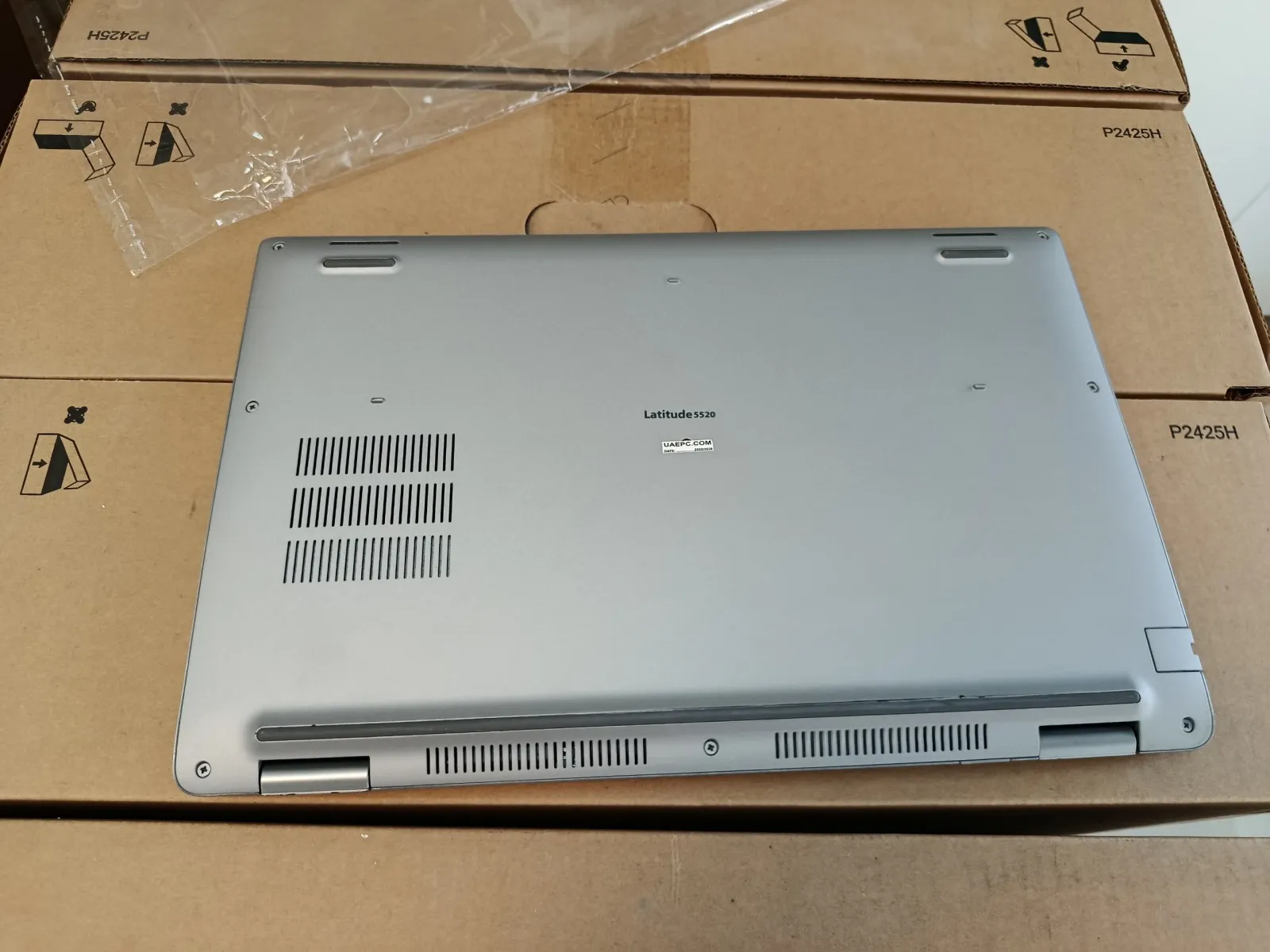
| Model | Label under the unit, or the BIOS screen | Model name on the proforma line |
| CPU generation | Windows Settings › System › About | Generation written on the order line |
| RAM and storage | System › About, and Disk Management | Memory and SSD size on the proforma |
| Quantity per model | Count per carton | Packing list |
On the UAEPC price list laptop lines carry the note «No AC»: the price is without a charger. If chargers were ordered separately, count them and check the connector type in this pass too. Reading the generation from the processor name is explained in how to check a laptop's generation.
Pass 3: the ten-minute test for each unit
Repeat the same sequence on every laptop. With two people, one tests and the other records:
| Part | How to check | What counts as a fault |
|---|---|---|
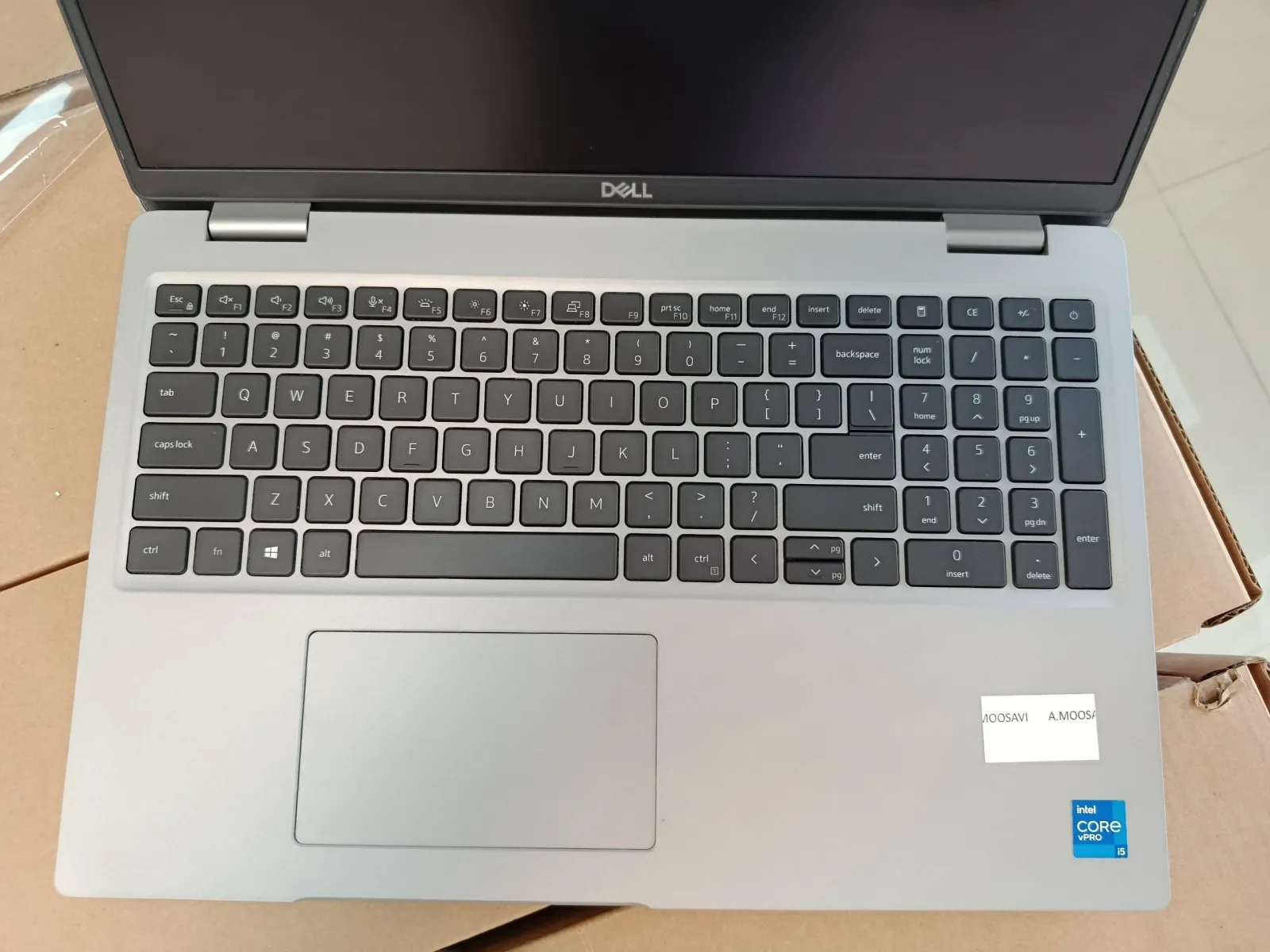
| Casing and hinges | Open and close the lid; press the corners | Cracks, loose hinge, lifted bezel |
| Display | Full-screen white, then full-screen black | Dead pixels, stains, lines, uneven backlight |
| Keyboard and touchpad | Type every key into a text file | Dead key, erratic touchpad click |
| Ports | One USB drive and one headset through every port | Loose or unresponsive port |
| Wireless | Join Wi-Fi and pair one Bluetooth device | No networks found, dropped connection |
| Battery | Generate the Windows battery report | Not charging, shuts down when unplugged |
| Storage | Read the drive's health status | Health warning, read errors |
| Camera, speakers, microphone | Record a short video clip | Black image, distorted sound |
| Windows | Activation status and Device Manager | Missing driver, unknown device |
The battery report comes from one command in the Windows command prompt: powercfg /batteryreport. The file it writes shows design capacity next to current capacity. Note that figure for each unit — it is also what you will quote to your own customers. The method is covered step by step in how to check laptop battery health, and drive health in how to check SSD health.
A test plan for 10, 50 and 100 units
The warranty has a clock, so the test should not wait. This plan assumes ten minutes per unit; scale it to your team:
| Lot size | Cartons | Testing time | Suggested plan |
|---|---|---|---|
| 10 units | 1 carton | About 2 hours | Every unit on the day of delivery |
| 50 units | 5 cartons | About 8–9 hours | Two working days, whole cartons each day |
| 100 units | 10 cartons | About 17 hours | Two people, two working days; finished in week one |
Open and test one carton at a time, and return tested units to the same carton. If a fault appears later, you know which carton the unit came from.
How to record and report a fault
- Do not open the unit. Under UAEPC's warranty terms, opening a device or damaging its warranty label before contacting the warranty team voids the cover.
- Write down the serial number. It is on the label under the unit; without it a claim cannot be traced.
- Take a photo and a short video. Show the fault so that it is clear without explanation.
- Send one message, not ten. A list of serial numbers, one line per fault, and the order number.
What is covered, what voids the cover and how a claim is handled are set out on the warranty page and in the 60-day warranty explained.
Warranty claim or insurance claim?
| Type of problem | Example | Where the claim goes |
|---|---|---|
| Hardware fault | No power, failing drive, dead port | UAEPC 60-day warranty |
| Transit damage | Cracked casing or screen in a damaged carton | Cargo insurance and the carrier |
| Mismatch with the order | Different model or specification, short count | Sales team, with packing list and photos |
This is why cargo insurance is mandatory under our shipping terms, and why carton damage is recorded before the carton is opened.
What was already tested before dispatch
Every unit passes nine quality checks before it leaves the UAEPC warehouse: visual inspection, POST and BIOS health, CPU stress test, full memory test, SSD health, battery and adapter, display panel, wireless and ports, and a clean Windows installation with drivers. The checklist above repeats those points from the buyer's side. Testing again is not distrust; it is how a wholesale lot is properly received.
Why UAEPC
UAEPC is a wholesale supplier of used and refurbished business laptops in Sharjah, UAE. We sell to the trade: Grade A+ only, a minimum order of 10 laptops with models mixed freely, a proforma invoice for every order and a 60-day warranty. Trade prices for every line are on the updated price list, and the models are on the wholesale laptops page.
Frequently asked questions
How do you inspect a bulk lot of used laptops on delivery?
In three passes: count the cartons and photograph any damage before opening them; match model, CPU generation, RAM and storage to the proforma invoice; then test every unit for about ten minutes — casing, display, keyboard, ports, wireless, battery and storage.
Should every laptop be tested, or is a sample enough?
Test every unit. The warranty runs for 60 days, and a laptop that was never powered on hides its fault until it is too late. Sampling is only suitable for the first match of models and specifications.
How long does it take to test 100 used laptops?
At ten minutes per unit, about 17 hours of work — two people over two working days. It is best finished in the first week after arrival.
What should I do when a unit has a fault?
Do not open it. Send the serial number, a photo or short video and a one-line description with the order number to the supplier. Under UAEPC's terms, opening a unit before contacting the warranty team voids the warranty.
Is transit damage covered by the warranty?
No. Physical damage in transit is claimed from the cargo insurance and the carrier, not from the hardware warranty. That is why carton damage must be photographed before the carton is opened.
When does the warranty on a wholesale laptop order start?
The UAEPC warranty is 60 days and starts at handover in Sharjah or at arrival of the shipment at its destination.
What should a reseller check when buying used laptops in bulk?
The carton count against the packing list, each model and specification against the proforma invoice, and on every unit the casing, display, keyboard, ports, wireless, battery report, drive health and Windows activation.

Related articles
Related articles
Before you pay any UAE supplier — ours included — run the four public licence checks. Our numbers are published for exactly that: verify UAEPC (licences & TRN).