



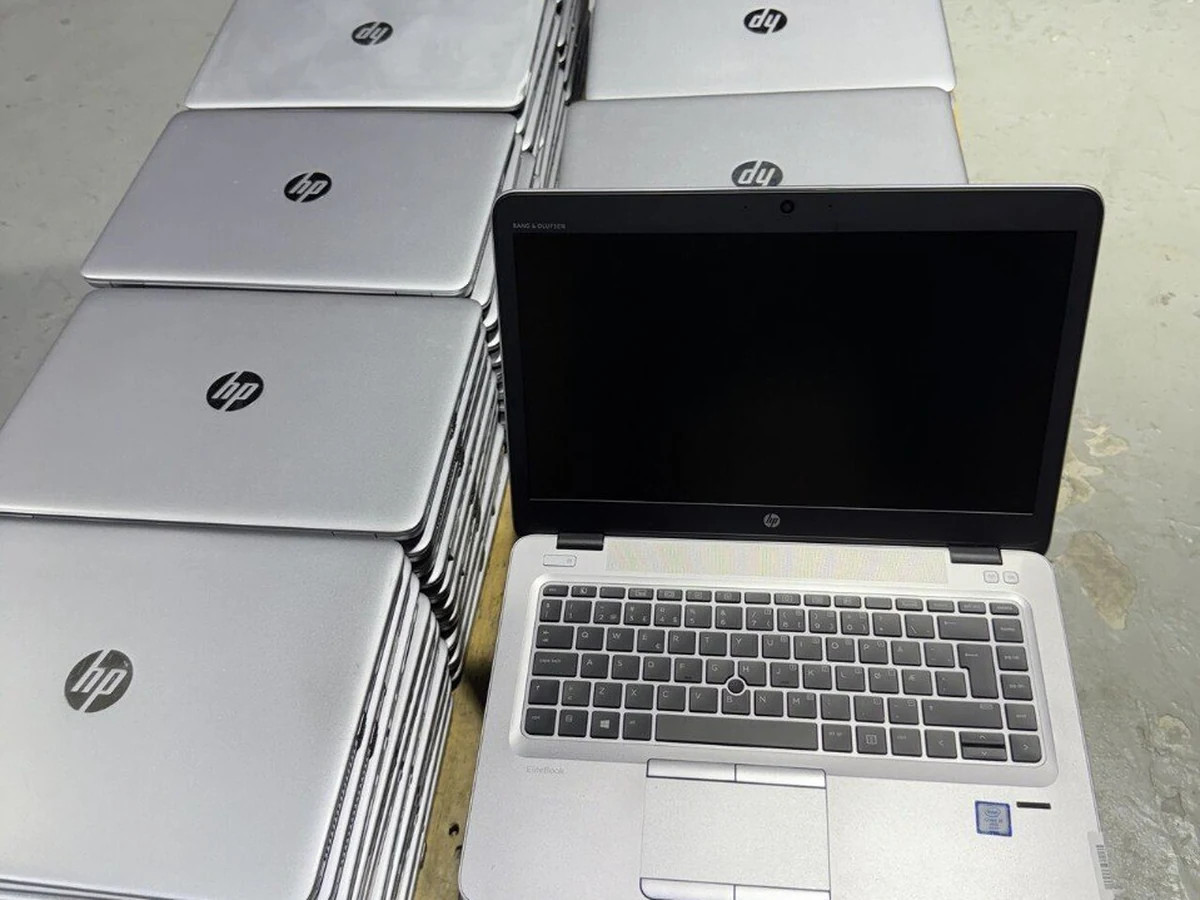
To check laptop battery health on Windows, open Command Prompt, run powercfg /batteryreport and open the HTML file it saves. Divide Full Charge Capacity by Design Capacity and multiply by 100: that is the battery's health. On a Mac, hold Option, click the Apple menu, choose System Information › Power and read Cycle Count and Condition.
How do you check battery health on Windows?
Windows has a battery report built in. It reads the figures the battery's own controller records and turns them into a page you can open in a browser. No download, no administrator rights.
- Open a command window. Search for Command Prompt, or press Windows + X and choose Terminal (Windows PowerShell on Windows 10). Ordinary user rights are enough.
- Run the report. Type:
Windows replies with the path it saved to, normallypowercfg /batteryreportC:\Users\your-name\battery-report.html. - Open the file. In the same window type
start .\battery-report.html, or double-click the file in File Explorer. - Find Installed batteries. Note DESIGN CAPACITY and FULL CHARGE CAPACITY, both in mWh, and CYCLE COUNT.
- Work out the health. Divide full charge capacity by design capacity and multiply by 100. A battery designed for 54,000 mWh that now charges to 42,000 mWh is at 77.8%.
- Check the trend. Battery capacity history shows full charge capacity over recent weeks, and Battery life estimates compares runtime at full charge with runtime at design capacity. A gentle slope is normal ageing; a sudden drop deserves a closer look.
How do you read the battery report?
Four numbers carry the answer. The Mac equivalents are included so one table covers a mixed lot:
| Metric | What it means | Good | Plan a replacement |
|---|---|---|---|
| Design Capacity | What the battery held when new, in mWh | Reference figure only; it never changes | |
| Full Charge Capacity | What it holds today | Read it against Design Capacity | |
| Health % (Full ÷ Design × 100) | Share of original capacity left. On a Mac: Maximum Capacity | 80% or more | Below 70% |
| Cycle Count | Full charge-discharge equivalents so far | Well inside the maker's rating | At or past the rating |
| Condition (Mac) | macOS's own verdict | Normal | Service Recommended |
| Battery life estimate | Runtime at today's capacity | Should fall roughly in line with health % | |
A few readings confuse first-time users. A new battery can show a full charge capacity slightly above design; that is normal. Battery-care modes on Dell, HP and Lenovo business laptops that stop charging below 100% limit the charge level, not the measured capacity, so they do not lower the health figure. A cycle count shown as a dash only means the firmware does not pass it to Windows.
How do you check battery health on a Mac?
Hold the Option key, click the Apple menu and choose System Information, then select Power in the sidebar. Under Health Information you will find Cycle Count, Condition and, on recent macOS versions, Maximum Capacity as a percentage. Recent versions also show it under System Settings › Battery: click the info button next to Battery Health. In Terminal:
system_profiler SPPowerDataType | grep -E "Cycle Count|Condition|Maximum Capacity"Apple publishes a maximum cycle count for each MacBook model on its support site; for most models of the last decade it is 1,000 cycles.
What do BIOS and manufacturer tools show?
Business laptops carry their own diagnostics, useful when Windows is not installed or as a second opinion:
- Dell: the BIOS setup screen (F2 at power-on) shows battery information on most Latitude models, and the built-in diagnostics (F12 at power-on, then Diagnostics) test the battery with the rest of the hardware.
- HP: HP PC Hardware Diagnostics UEFI (press Esc at power-on, then F2) includes a battery test, and HP Support Assistant runs a Battery Check from Windows.
- Lenovo: Lenovo Vantage shows design capacity, full charge capacity and cycle count on ThinkPads, and Lenovo Diagnostics tests the battery.
Verdicts such as "Good" or "Replace soon" follow each maker's own thresholds, so write down the raw capacity figures as well.
What battery health percentage is acceptable?
There is no official standard. As trade guidance rather than a rule:
- 80% and above: healthy, with runtime close to what the model was sold with.
- 70% to 80%: usable, with noticeably shorter runtime. Fine for a laptop that lives near a socket.
- Below 70%: plan a replacement. Runtime is short, and an aged cell can decline faster from here.
Our own line is 70%. A UAEPC laptop ships on its original battery only when that battery reads between 70% and 100% health; below 70%, the original is replaced with a new aftermarket battery before the unit leaves the warehouse. For a single laptop you will carry all day, asking for 80% or more remains sensible advice. And whatever the number says, a swollen battery (a lifted touchpad, a base that rocks on the desk) means replace it now.
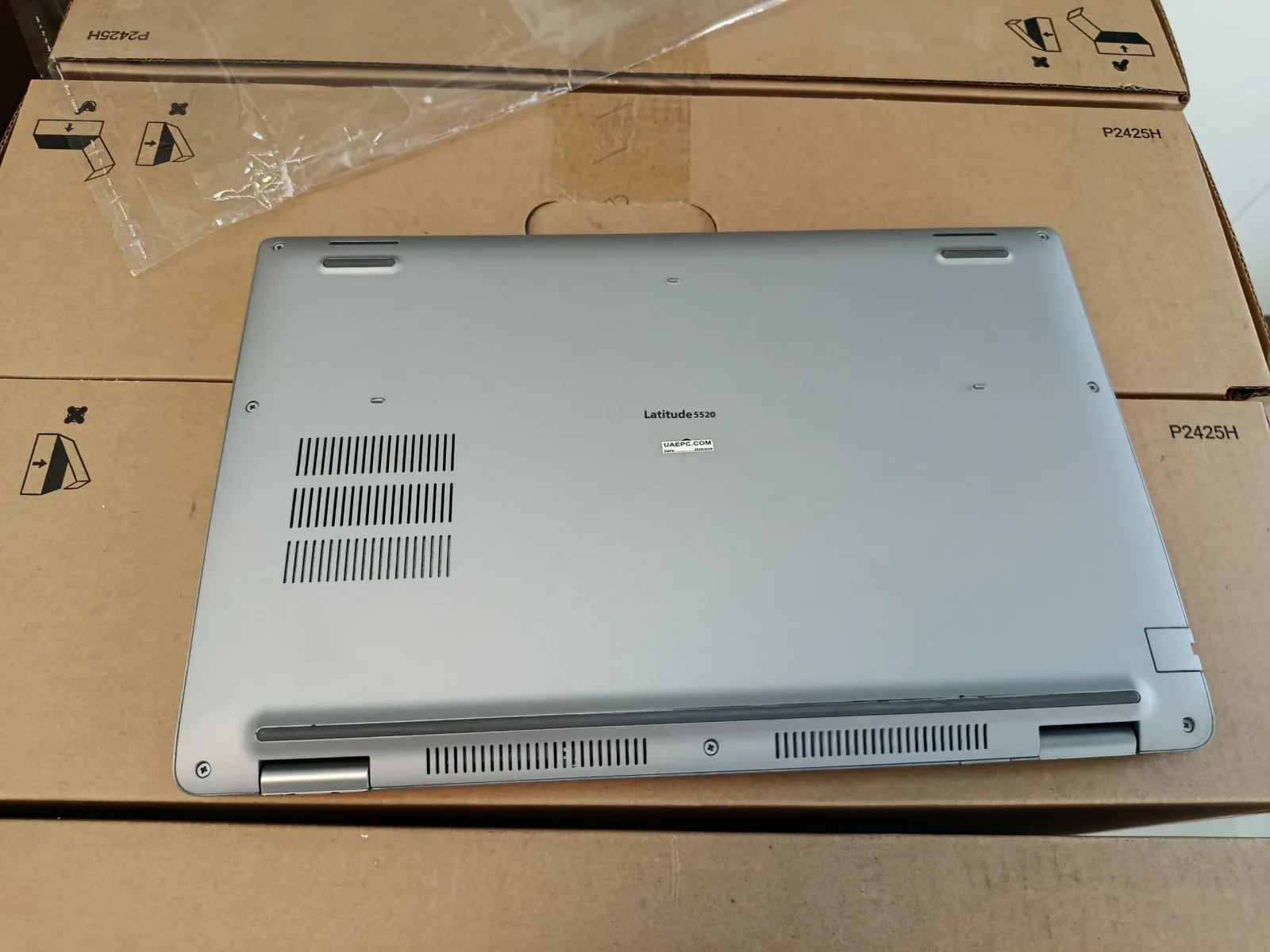
For bulk buyers: checking a whole batch
Battery health differs from unit to unit even within one batch of identical models, so check every laptop rather than a sample.
Before you pay, ask for each unit's battery health and cycle count against its serial number, and which units carry a replacement battery. A new replacement shows close to 100% and a low cycle count; that is expected, but you should know which is which.
On arrival, plug a USB stick into each laptop, open PowerShell and paste these two lines. Each laptop saves a report named after its BIOS serial number:
$sn = (Get-CimInstance Win32_BIOS).SerialNumber
powercfg /batteryreport /output "E:\battery-$sn.html"
Change E: to your stick's drive letter. Copy design capacity, full charge capacity and cycle count from each file into one sheet, add a health column and sort. Anything below the line you agreed with the seller goes back with its serial number while the warranty runs. The drive deserves the same treatment; see how to check SSD health.
How UAEPC tests every battery
On every unit, not a sample of the lot, the battery's capacity and cycle count are read with BatteryInfoView and recorded against that laptop's serial number, as our Grade A+ standard sets out. The original battery ships only at 70% to 100% health; below that it is replaced with a new aftermarket battery. Our warranty page lists the check as step 6 of nine: battery health percentage plus an AC adapter current-draw test.
Battery health and serial numbers are sent before the order is confirmed. Every order carries a 60-day hardware warranty, and if battery health drops below 70% inside that window, we replace the unit or send a replacement battery (60-day warranty explained). The minimum order is 10 units per product type: see the laptop catalogue, the updated price list, or send a quote request.
Send a list, get a proforma within 24 working hours
Ten units minimum per product type, grade A+ only, price fixed for three days.
Frequently asked questions
How do I check my laptop battery health on Windows 10 or 11?
Open Command Prompt or Terminal, run powercfg /batteryreport and open the battery-report.html file it saves, normally in your user folder. Under Installed batteries, divide Full Charge Capacity by Design Capacity and multiply by 100. The result is the battery's health percentage.
What is a good battery health percentage for a used laptop?
80 percent or more is healthy and gives close to the original runtime. Between 70 and 80 percent the laptop is usable but runs out sooner. Below 70 percent, plan a replacement. These are common trade guidelines, not an official standard.
Is 70% battery health bad?
It is the usual point to start planning a replacement, not a fault. The laptop still charges normally; it holds about 70 percent of its original energy, so runtime is shorter. UAEPC replaces any original battery that reads below 70 percent before shipping.
Why does my battery report show no cycle count?
Some laptops' firmware does not pass the cycle count to Windows, so the report shows a dash. Read it in the maker's own utility or diagnostics, or in a battery utility that reads the battery controller directly.
How do I check battery health on a MacBook?
Hold Option, click the Apple menu, choose System Information and select Power. Health Information shows Cycle Count, Condition and, on recent macOS versions, Maximum Capacity. Condition Normal is fine; Service Recommended means the battery should be replaced.
Can battery health go back up?
Not in any lasting way. A full charge and discharge can correct an inaccurate reading, but chemical wear does not reverse. A large jump upwards usually means the battery was replaced.
What battery health do UAEPC laptops ship with?
Between 70 and 100 percent on the original battery, measured per unit with BatteryInfoView and recorded against the serial number. A battery that reads below 70 percent is replaced with a new aftermarket battery before the laptop leaves the Sharjah warehouse.

Related guides and pages
Related articles
Before you pay any UAE supplier — ours included — run the four public licence checks. Our numbers are published for exactly that: verify UAEPC (licences & TRN).